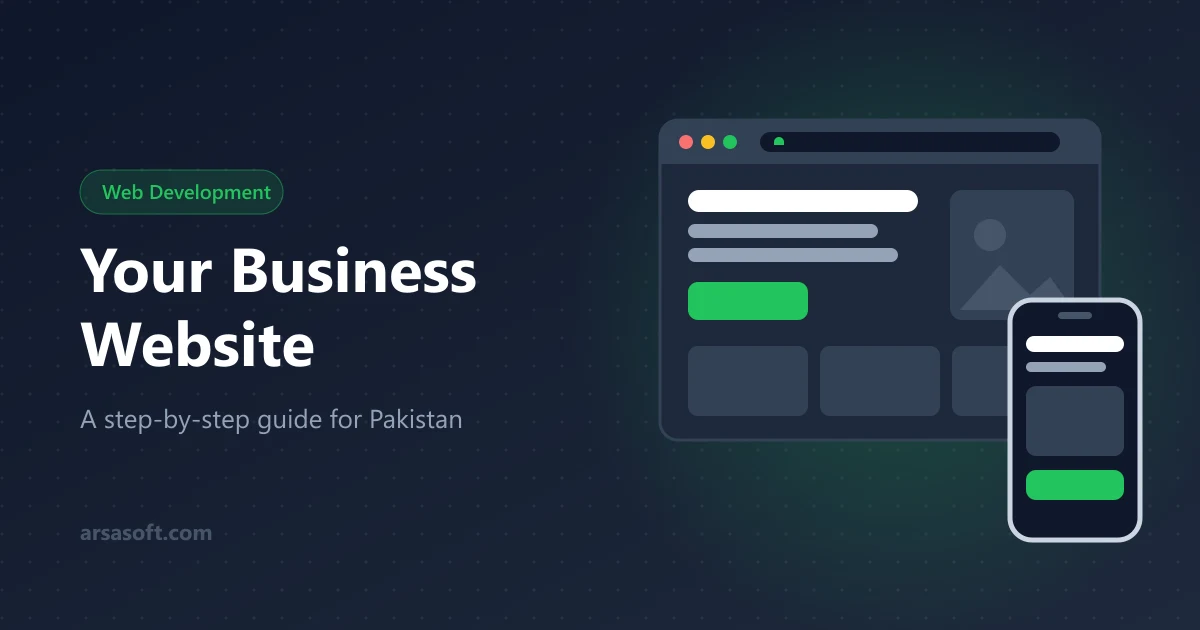
How to Make a Website for Your Business in Pakistan: Step-by-Step Guide
Thinking about a website for your business? This step-by-step guide explains what you need, what it costs, which pages to add and how to make sure customers can find you on Google.
In this article (5 sections)ShowHide
Many customers look you up online before they call, visit or buy. If they find your competitor instead, you lose the sale without knowing it. A website for business in Pakistan isn't just for big companies anymore: shops, clinics, schools and consultants all use one to look trustworthy and win customers.
Isn't a Facebook page enough?
Social pages are useful, but you don't own them: the platform decides who sees your posts, and accounts get blocked or hacked. Google also shows websites far more than Facebook posts. Use both: social media to stay in touch, a website as your permanent home.
6 steps to your business website
1. Decide its main job. Getting calls and WhatsApp messages? Showing products and prices? Taking orders or bookings? This choice shapes the pages and the price.
2. Choose a domain. Short, easy to spell, your business name, no numbers or hyphens. Pick .pk / .com.pk for local customers or .com if you serve other countries. Make sure it's registered in your name.
3. Choose hosting. Look for a free SSL certificate (the padlock), daily backups, good speed in Pakistan and support on WhatsApp or phone.
4. Plan 5–7 pages. Home, About, Services or Products, Reviews or Portfolio, Contact (with phone, WhatsApp and a map), a Blog if you can, and Privacy/Terms. Put a WhatsApp button on every page.
5. Make it fast on phones. Most visitors use mobile data. Ask for a mobile-first design, compressed images (WebP) and no heavy sliders, and test on a real phone.
6. Get found on Google. Clear page titles and descriptions with the words customers search, your city and area mentioned, Google Search Console connected, and a free Google Business Profile.
What does it cost?
It depends on the number of pages, custom vs template design, features (payments, booking, logins), who updates content, and yearly domain, hosting and maintenance. A simple information site costs far less than an online store. Always get a written quote listing every page, feature and renewal cost.
Mistakes to avoid
- domain registered in the developer's name
- no clear "call us / WhatsApp us" on each page
- copied, generic text instead of your real business and city
- never updating prices, photos or contact details
- no backups or security updates
Quick answers
How long does it take? A simple 5-page site usually takes 2–4 weeks, depending on how fast you send content and feedback.
Can I update it myself? Yes, if it has an admin dashboard. Ask for one, plus a short training session, before the project starts.
Need a fast, mobile-friendly website with SEO built in? See our web development services or contact us for a free quote.