GitLab Vulnerability 2026: How to Patch CVE-2026-110264 (CVSS 10)
In October 2026, GitLab fixed a maximum-severity bug that lets a stranger run code on self-hosted GitLab servers with no login. Here's what it is in plain words, how to check your version and exactly what to update to.
In this article (6 sections)ShowHide
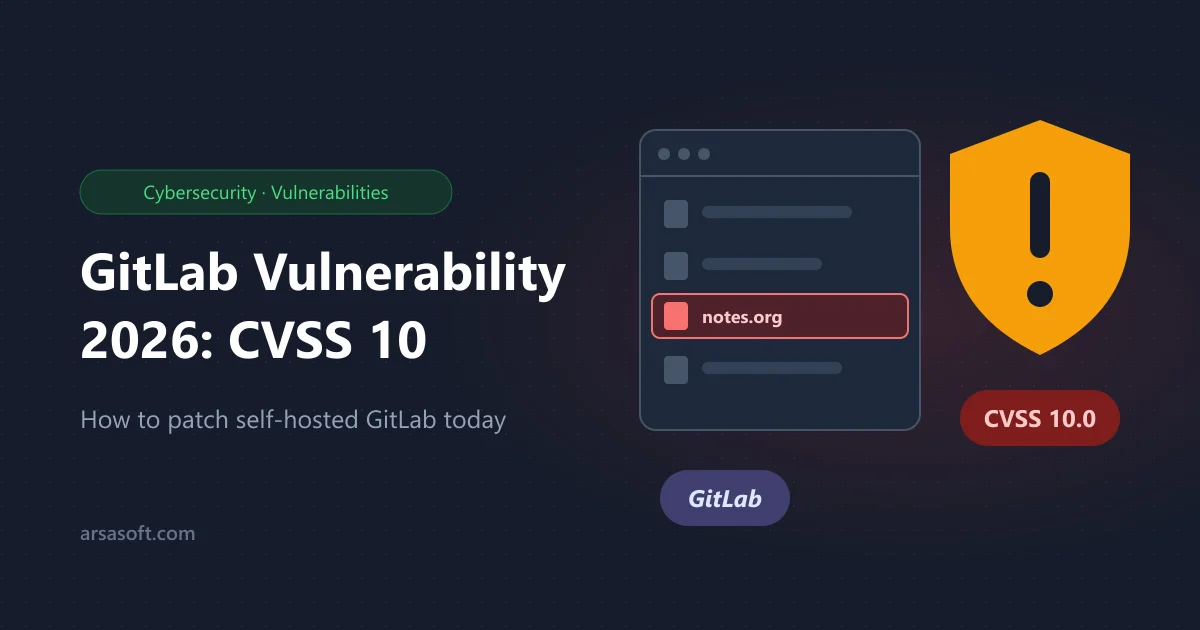
If your team runs its own GitLab server, stop and check it today. On 21 October 2026, GitLab released emergency updates for CVE-2026-110264, a bug rated 10 out of 10, the highest score possible. It's the biggest GitLab vulnerability in years, and it reaches all the way back to GitLab 7.0 from 2014.
If you only use GitLab.com, you're already safe: GitLab patched it for you.
What happened, in simple words
GitLab can show Org-mode files (.org, a kind of notes file) as nicely formatted pages. To do that, it turns part of the file into a search pattern (a regex).
- A file with a specially crafted line makes that pattern far too big.
- A counter inside Ruby's regex engine overflows, and memory gets corrupted.
The result: a stranger could run their own code on your GitLab server, as the git user, with no login. All they need is one public project containing a crafted .org file. That means your source code, CI secrets and deploy keys could all be exposed.
Public proof-of-concept code has been online since 22 October. No attacks were reported as of 25 October, but GitLab warns an attack may be quiet, so don't wait for signs.
Which versions are safe?
Both Community (CE) and Enterprise (EE) editions are affected.
| Your GitLab line | Update to at least |
|---|---|
| 19.5 | 19.5.1 |
| 19.4 | 19.4.3 |
| 19.3 | 19.3.6 |
| 19.2 | 19.2.9 |
| 19.1 | 19.1.9 |
| 19.0 | 19.0.10 |
| 18.11 | 18.11.13 |
| 18.10 or older | no fix, upgrade to a supported line |
Patched on 12 October? You're not safe yet. That release (19.4.2, 19.3.5, 19.2.8) fixed a different, similar bug. You still need the update above.
Check your version
Signed in to GitLab, open /help on your server. Or on the server itself:
# Linux package (Omnibus) install
sudo cat /opt/gitlab/embedded/service/gitlab-rails/VERSION

# Docker install
docker exec <container-name> cat /opt/gitlab/embedded/service/gitlab-rails/VERSION
What to do today
- Back up first:
sudo gitlab-backup create, and copy/etc/gitlab/gitlab.rband/etc/gitlab/gitlab-secrets.jsonsomewhere safe. - Update GitLab to the fixed version for your line. On Ubuntu or Debian:On Docker, pull the fixed image tag and recreate the container.Bash
sudo apt update && sudo apt install gitlab-ce # or gitlab-ee - Plan a short downtime if you're on 19.4 or 19.3. Those updates include database changes, and a single server is offline until they finish.
- Check the version again after the update.
Can't update today? Make projects private or internal where you can, and turn off sign-ups for strangers. This closes the easiest no-login route, but it doesn't fix the bug.
Should I worry I was already hacked?
If your server had public projects and was reachable from the internet, it's worth a quick check:
- look for new users, especially admins, you don't recognise
- look for unfamiliar
.orgfiles in public projects - rotate CI/CD variables, deploy keys and access tokens if anything looks wrong
Quick answers
Do I need to do anything on GitLab.com? No. GitLab.com and GitLab Dedicated are already patched.
Will updating break my GitLab? Updates within your line (for example 19.3.2 to 19.3.6) only contain fixes. Moving to a newer line may need several upgrade steps, so follow GitLab's upgrade path tool.
Is GitHub affected? No. This bug is only in GitLab.
This is the third big security story this month, after PHP2Shell and Node2Shell. Need help updating or securing your servers? Contact our team.
Sources: Konfirmity advisory, GCN, Beazley Security.