SIM Swap Fraud in Pakistan: How It Works and How to Protect Your Bank Account
Two MNAs and a Karachi businessman lost millions when fraudsters got duplicate SIMs in their names. Here's how SIM swap fraud works in Pakistan, the warning signs and 7 steps to protect your bank account today.
In this article (6 sections)ShowHide
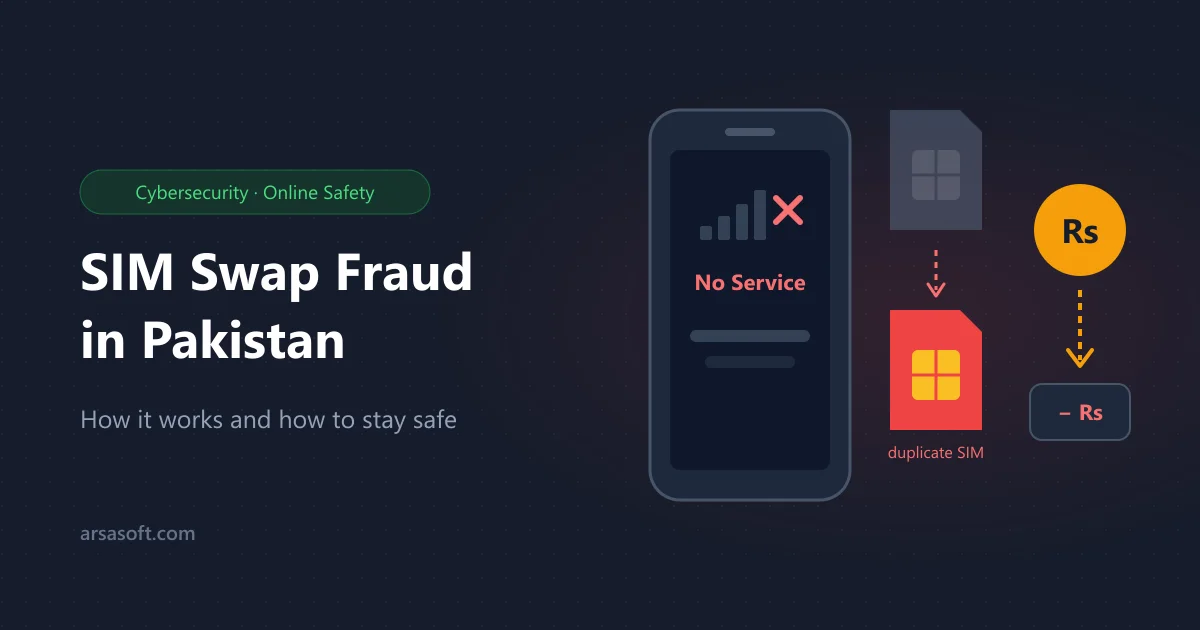
Your phone suddenly shows "No Service". A few hours later, money is gone from your bank account. That's SIM swap fraud, and in October 2026 it made headlines when two MNAs lost Rs 3.5 million between them and a Karachi businessman lost Rs 8.5 million.
The good news: a few simple habits make you a much harder target.
What happened to the MNAs
In one case, MNA Farhan Chishti landed at Islamabad airport and found his phone dead for hours. A duplicate SIM of his number had been issued at a shop in Karachi without his knowledge. Using that SIM, the fraudster:
- received the bank's OTP codes on the new SIM
- signed him up for online banking
- raised his transfer limit and moved Rs 1.5 million out
To get the SIM, a man told the shopkeeper his elderly mother was too weak to come inside and took the fingerprint scanner to a car. Investigators suspect fraudsters are using stolen or leaked fingerprints. In the businessman's case, a bank employee had also looked up his account details beforehand.
PTA fined the mobile company Rs 77.8 million per case, because under its rules the operator is responsible for every SIM it issues, however it's sold.
How SIM swap fraud works
Your phone number is the key to most of your money. Banks and wallets send OTPs by SMS, and many let you reset a password with just your number. So fraudsters:
- collect your details: name, CNIC number and bank, often from leaked data or a fake "bank" call
- get a duplicate SIM of your number, by tricking or bribing a SIM retailer
- your SIM stops working, because only one SIM can be active for a number
- they receive your OTPs and log in, reset passwords or link a new device
- money moves out fast, often through instant transfers that are hard to reverse
Warning signs
- "No Service" or "SIM not registered" when there's good signal everywhere else
- an SMS saying your SIM was changed or a duplicate was issued
- OTPs or banking alerts you didn't request
- you're suddenly logged out of your banking app or WhatsApp
If your SIM stops working for no reason, treat it as an emergency, not a network problem.
7 ways to protect yourself today
- Check how many SIMs are on your CNIC. SMS your CNIC number (without dashes) to 668. If you see a number you don't recognise, block it at your operator's franchise.
- Turn on every bank alert: SMS and email for logins, new devices, limit changes and transfers. Email still reaches you when your SIM doesn't.
- Keep your transfer limit low. Raise it only when you need to, then lower it again.
- Use app-based approval where your bank offers it, instead of SMS codes alone.
- Never share OTPs, PINs or CNIC photos. Banks never ask for an OTP over a call. A "bank officer" asking for one is a fraudster.
- Put your fingerprint only on devices you can see, and only for your own SIM or bank work. Never let a device be taken out of your sight.
- Ask your operator about extra SIM protection, such as requiring you in person before any SIM change. Options differ by company.
If it happens to you: act in the first hour
- Call your bank's helpline from another phone and ask them to block online banking and cards.
- Call your mobile operator to block the duplicate SIM and get your number back.
- Change your banking and email passwords once you're back in control.
- File a complaint with the NCCIA (National Cyber Crime Investigation Agency) and give your bank a written complaint.
- If the bank doesn't resolve it, complain to the Banking Mohtasib Pakistan.
Keep screenshots of every SMS, call time and transaction. They make your complaint much stronger.
Quick answers
Can someone get a duplicate SIM without me? They shouldn't be able to, because it needs your fingerprint. But these cases show fraudsters can trick retailers or misuse stolen fingerprints, so don't rely on that alone.
Will the bank return my money? In the cases above, banks were ordered to return victims' money, but every case is different. Reporting quickly gives you the best chance.
Are businesses at risk too? Yes. If one owner's phone number controls your business bank account, a SIM swap can empty it. Read our guide to protecting your business data, and contact our team if you want help securing your systems.
Sources: Geo News, ProPakistani, TechJuice.